Reports
Reports shows figures over the opportunities you can see, within your roles' regions and countries.
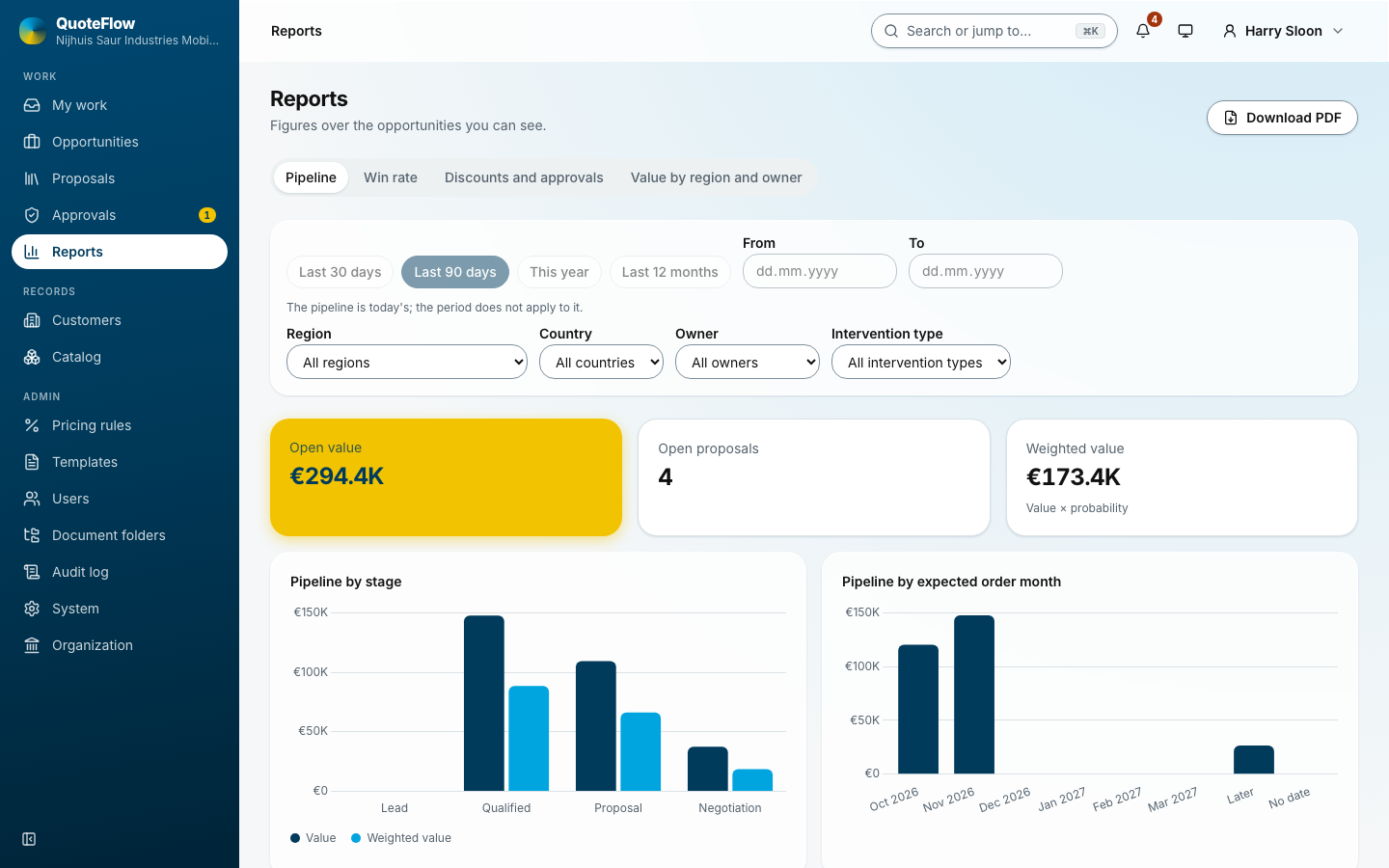
Filters
The period (last 30 or 90 days, this year, the last 12 months, or your own dates), the region, the country, the owner and the intervention type. The pipeline is today’s, so the period does not apply to it. Clear filters starts again.
The four reports
-
Pipeline: open proposals, open value and weighted value (value × probability) by stage and by expected order month, and the largest open proposals.
-
Win rate: won against lost, by count and by value; by month, by owner and by intervention type; and Lost by reason (price, competitor, timing, no budget, no decision, other).
-
Discounts and approvals: requests and lines decided (approved, approved lower, rejected), the average decision time and the average granted discount; by month, by reason (discount, markup, custom price) and by approver.
-
Value by region and owner: open, issued and won value by region, by country and by owner.