The commercial admin’s guide
You own the prices: the list prices in the catalogue, the pricing rules, and the decisions on discounts above a salesperson’s authority. You see the customers and opportunities of your scope, and you can hand an opportunity to another owner.
List prices
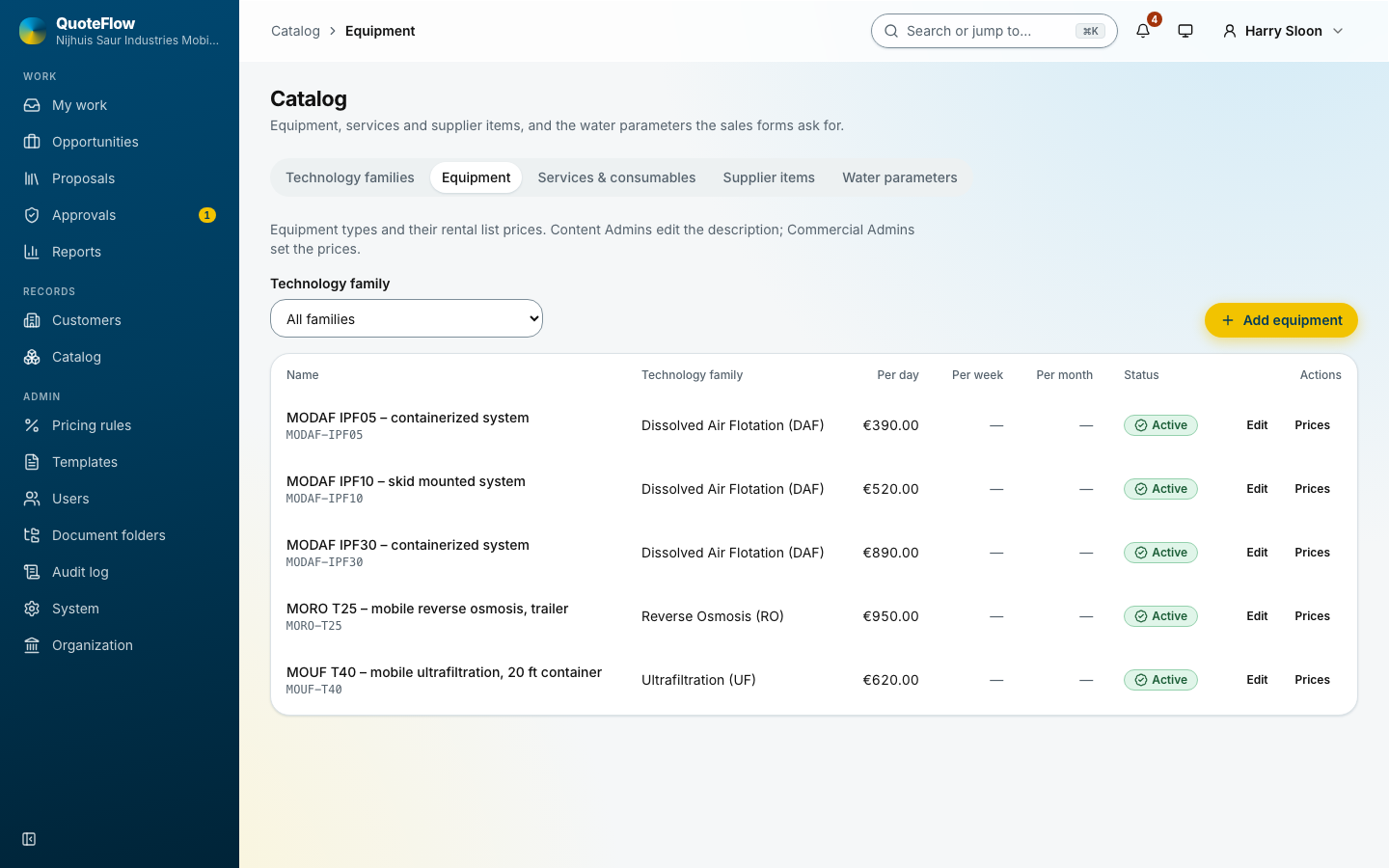
Under Catalog, each equipment unit has its rental prices (per day, week or month) and each service and consumable its price. The content admin keeps the descriptions and datasheets; only you change the prices.
Pricing rules
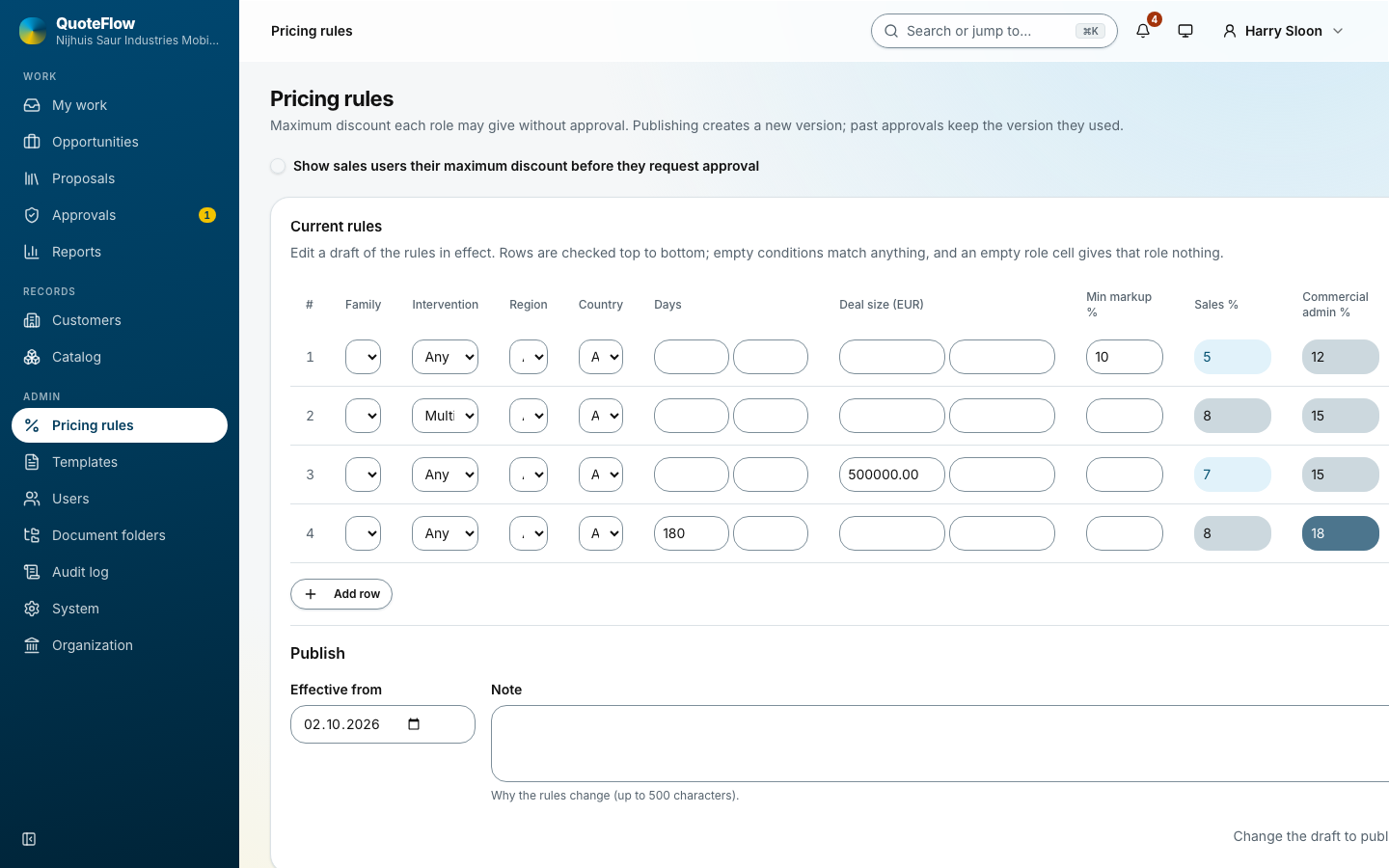
Pricing rules hold, per family, intervention type, place, rental days or deal size, the most discount each role may give without approval, and the lowest markup. Publish a new rule set with its effective date. See Pricing rules.
Deciding a discount
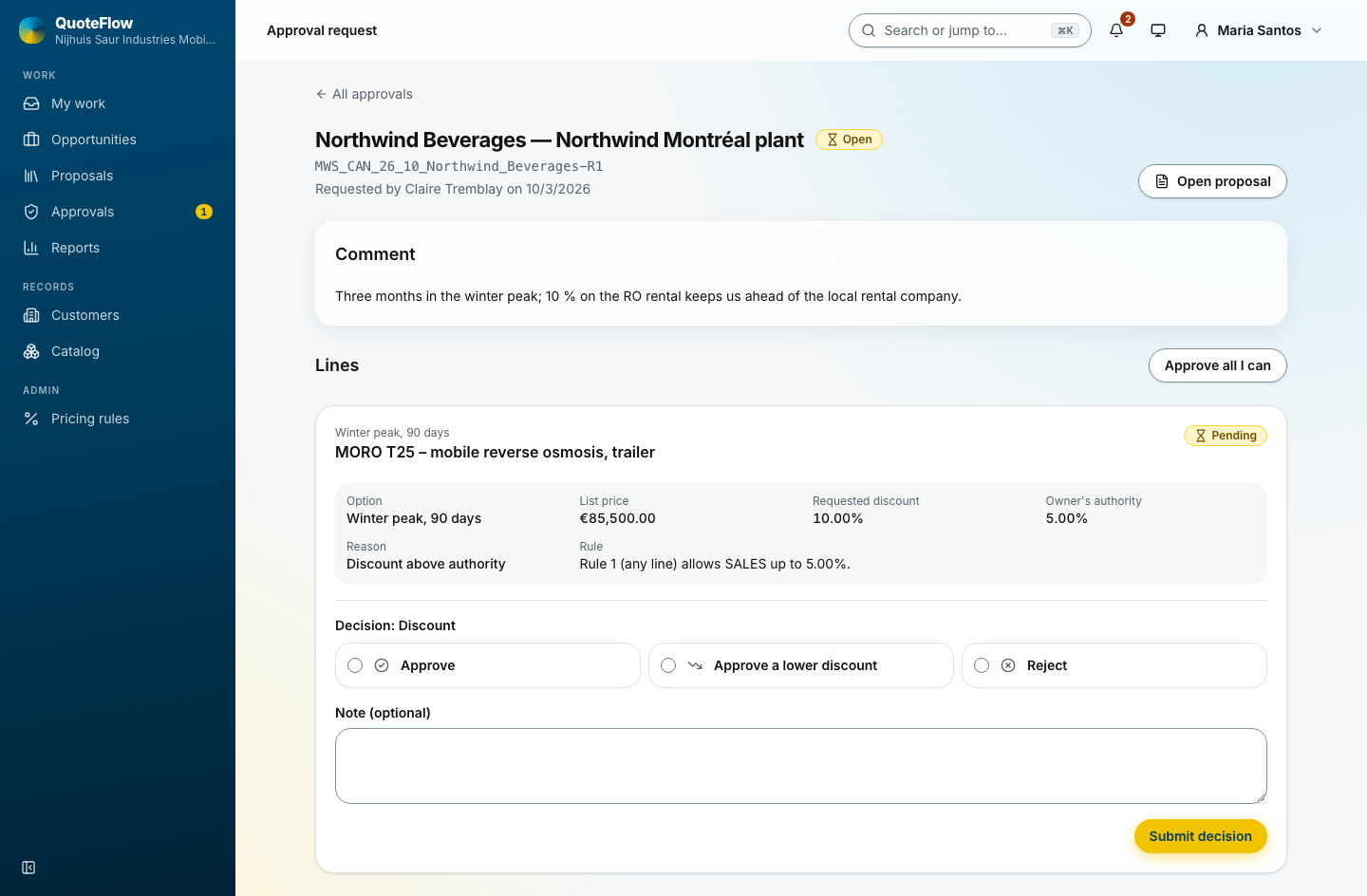
A request reaches you in three places: the bell, an email, and Approvals (with a count in the menu). The queue lists the oldest first. The request shows each line, the discount asked for, the margin, the salesperson’s comment, and the documents they reviewed.
For each line:
-
Approve: the discount stands.
-
Approve a lower discount: give the most you accept.
-
Reject: write why. The salesperson finds the reason at the top of their My work.
Submit decision. The salesperson is told at once; an approved proposal can then be marked ready and issued. See Approving discounts.
Handing an opportunity over
Reassign owner on an opportunity gives it a new owner within its region or country, for example during a holiday or when someone leaves. It is refused while a version is being issued or awaits approval. The new owner is told; the audit log keeps the change.
Reports
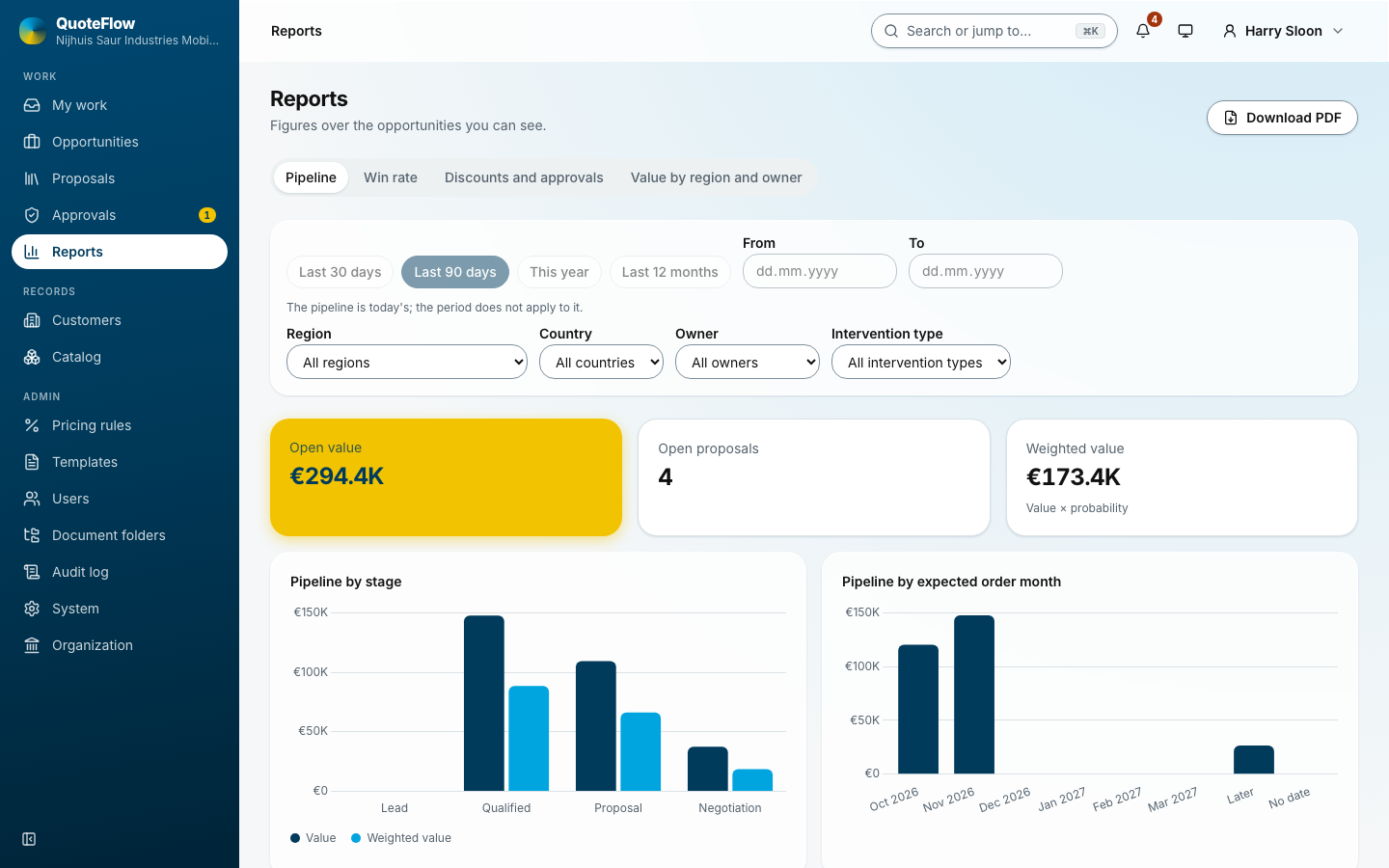
Discounts and approvals in Reports: how many requests, how fast they were decided, by whom, and with what outcome. See Reports.