Sign in and roles
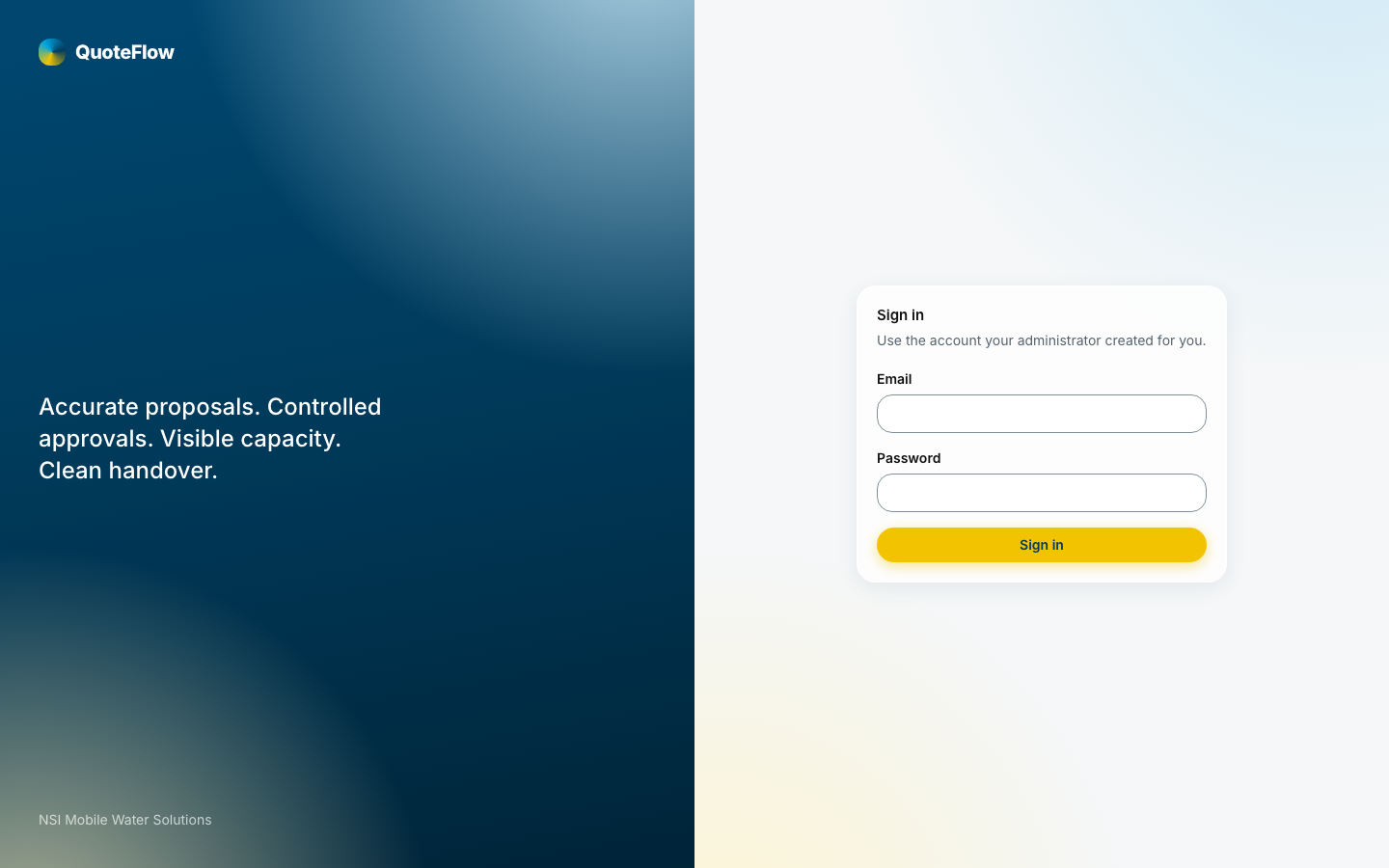
Open the app’s address, https://qtflo.com, and sign in with your email and password.
Your account
New accounts arrive as an invitation link from an administrator; the link asks you to set a password once. If no mail reaches you, the administrator can copy the link from the Users page and send it another way.
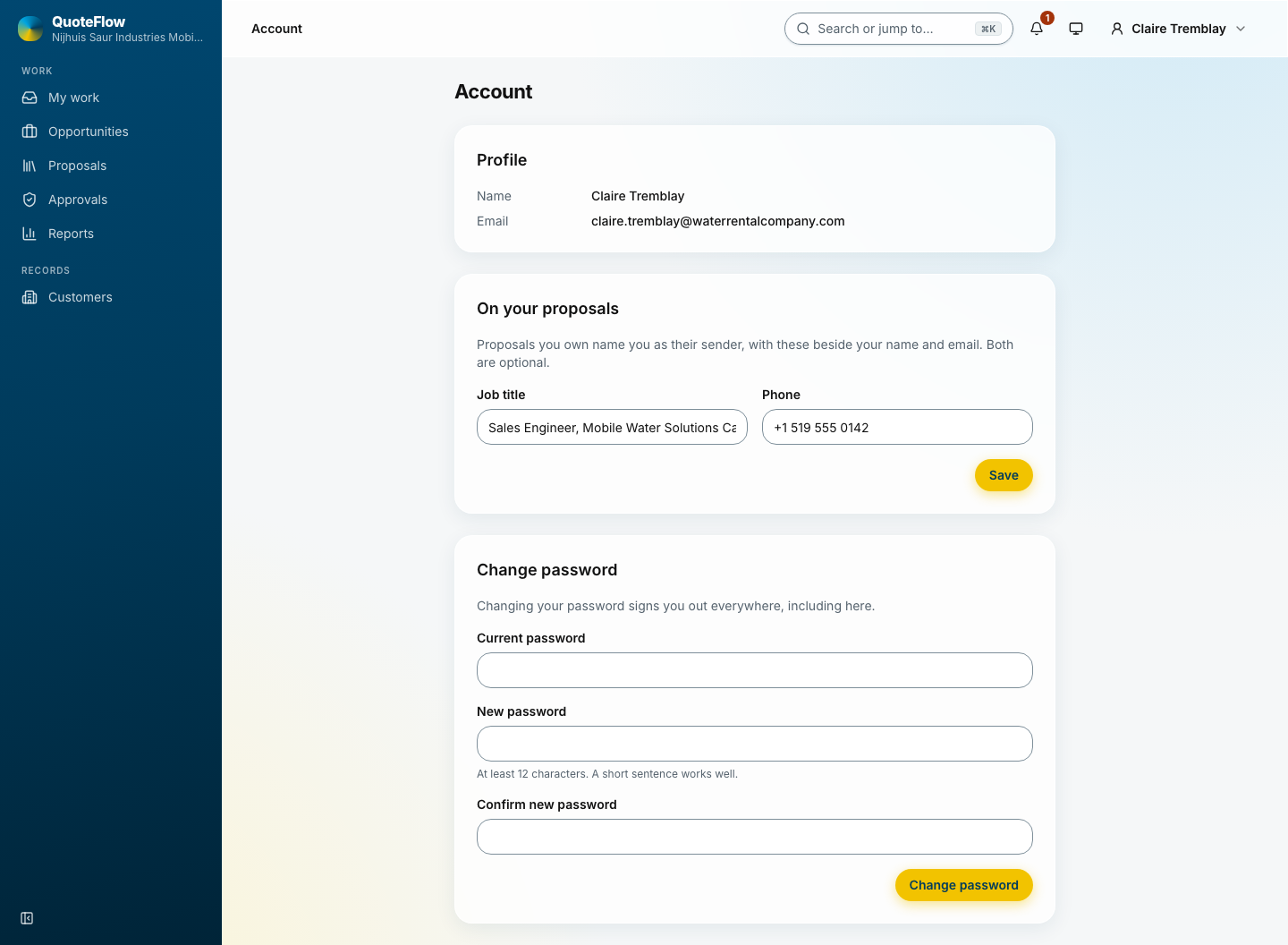
Account (your name, top right) holds your name, job title and phone, which print on the proposals you issue, and your password. Change the password you were given on first use.
Roles and scope
What you see depends on your roles. Each is held for the whole company, one region or one country:
-
Sales works customers and opportunities in their scope and issues proposals.
-
Commercial admin sets prices and rules and decides approvals.
-
Operations manager decides approvals and reads opportunities.
-
Content admin keeps the catalogue and the templates.
-
Super admin keeps users, the organisation and the system.
An opportunity outside your scope is not shown anywhere, and its address answers "not found". The database enforces the same rule behind the application.