Templates
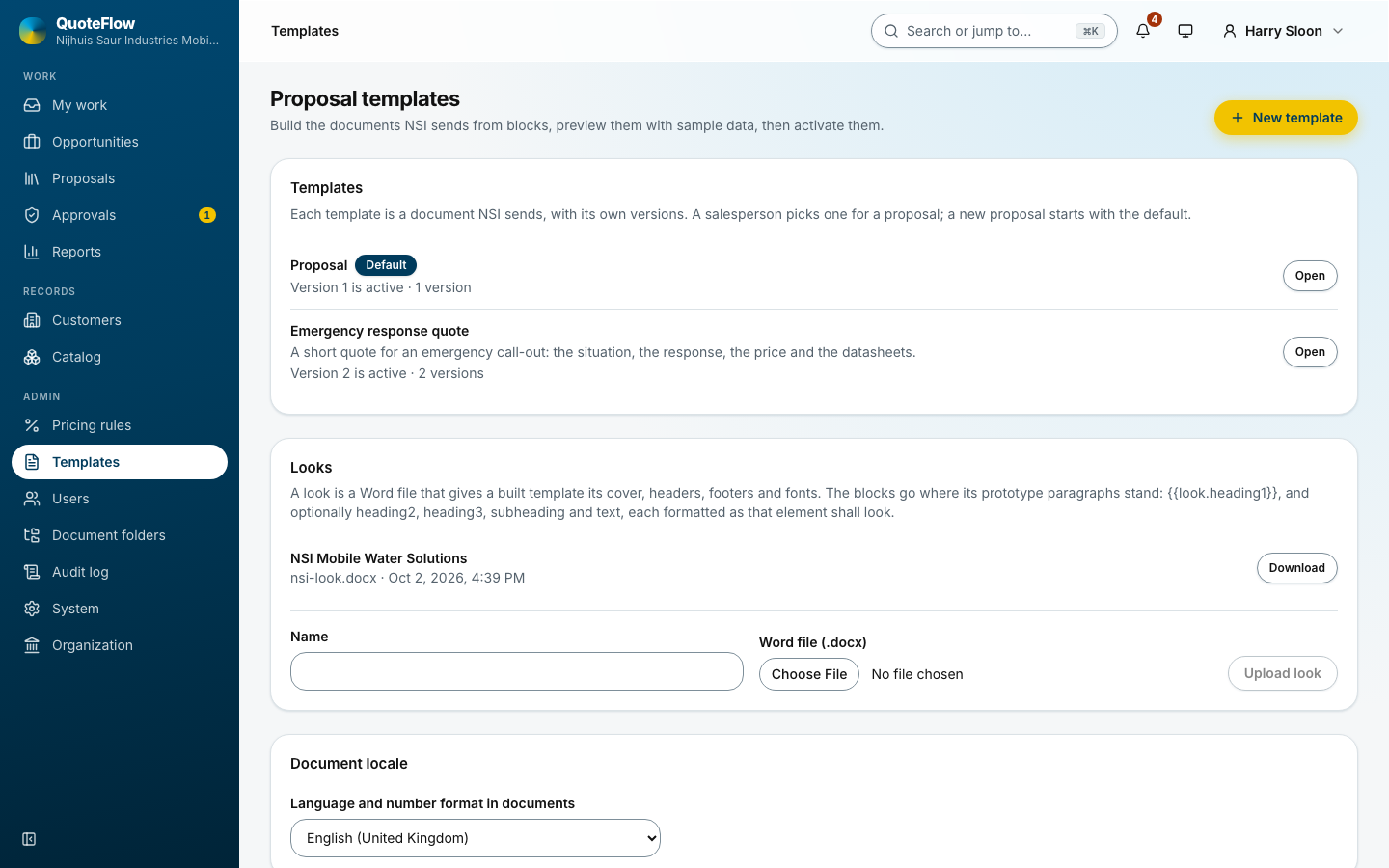
Templates lists the proposal templates. Each has versions; one version is active and the proposals use it. A version is either built in the app, or an uploaded Word file with merge tags (the builder’s field list names every field).
A template
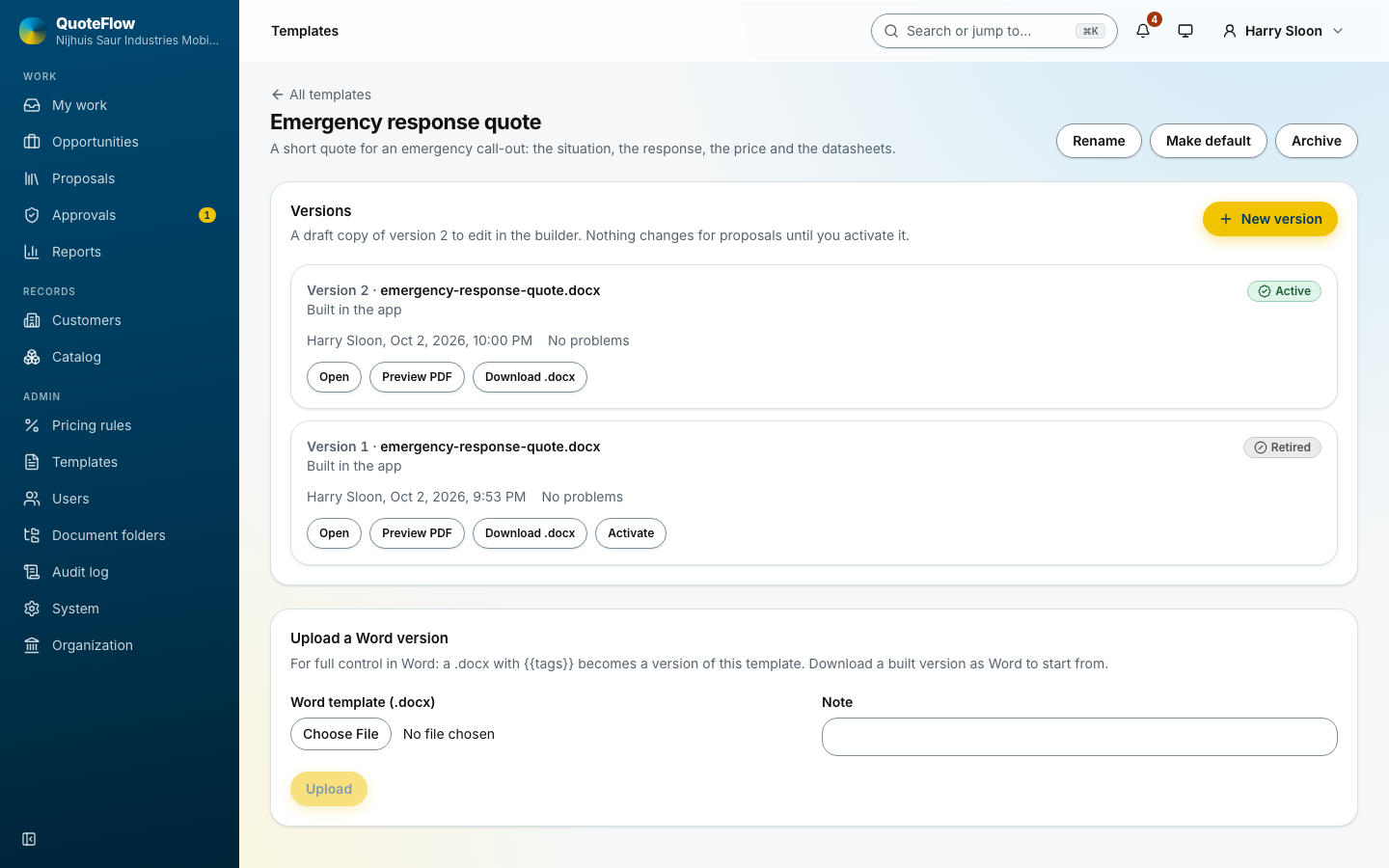
New version copies the active one or starts from the shipped starter; a new version is edited until it is activated, then it never changes. Retire a version to stop its use; the owners of drafts that use it are told.
The builder
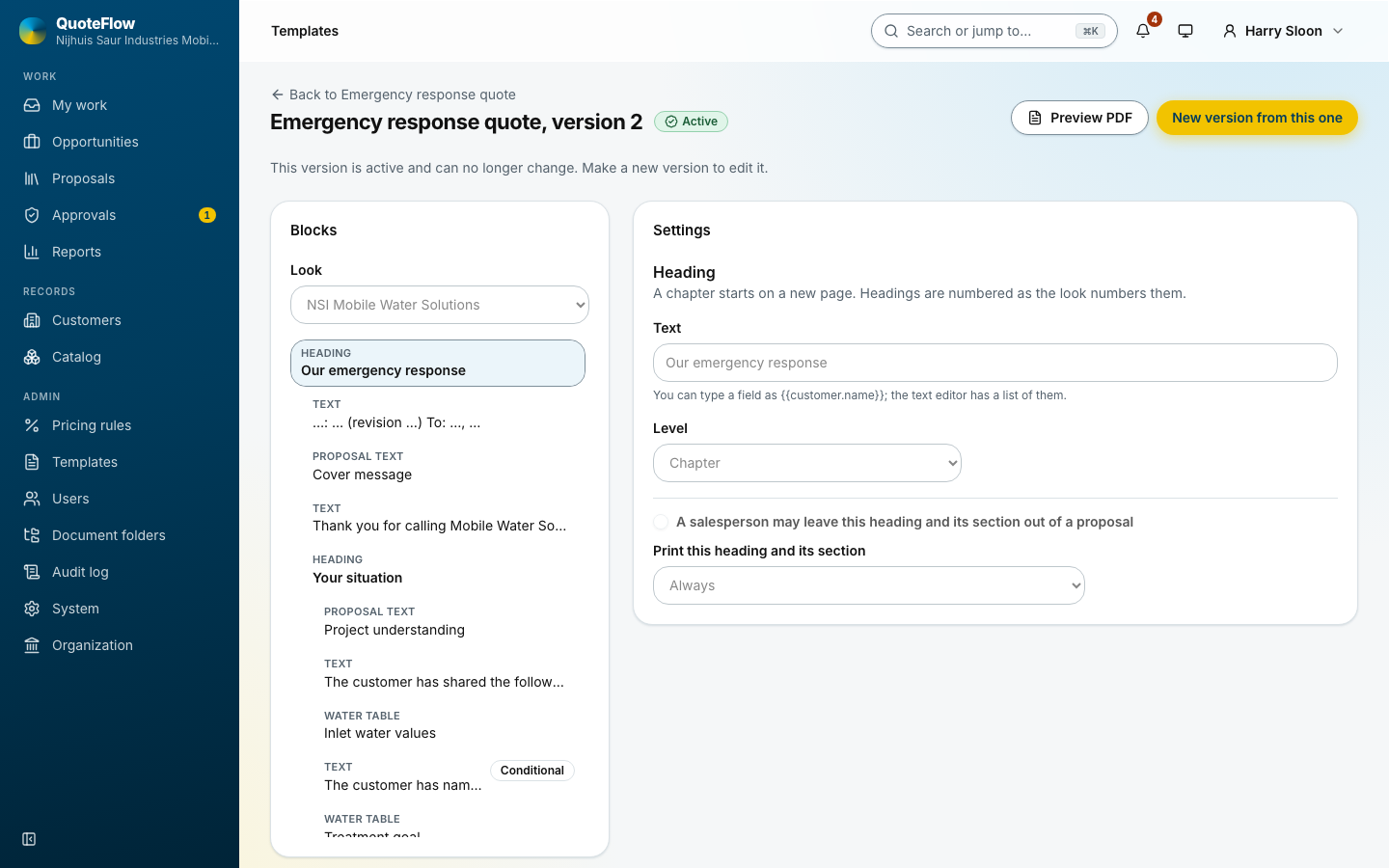
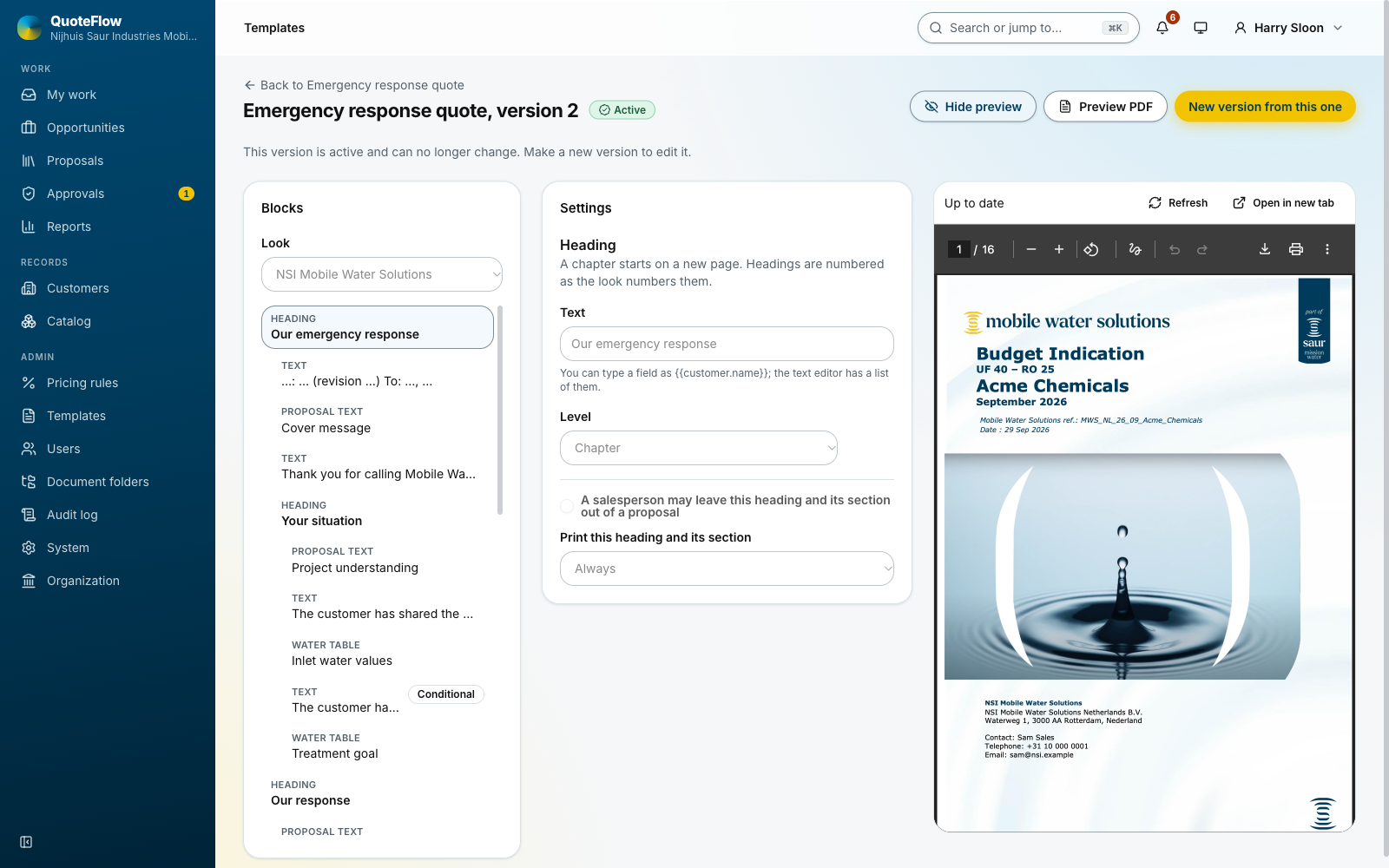
A built version is a sequence of blocks laid on a look, a Word file that gives the cover, contents, headers, footers and paragraph styles:
-
headings and rich text with merge fields;
-
the water tables (inlet, with or without the Maximum column; treatment goal);
-
the equipment descriptions, the rental periods, the price tables, the optional extras;
-
a picture from the picture library, with a caption;
-
the list of datasheets.
A block can be optional, so a salesperson may switch it off on one proposal, or shown only when its data exists. The builder saves as you type, lists problems, and previews with sample data. Activate freezes the version.
Show preview keeps the rendered template beside the blocks, filled with the sample proposal, and renders it again after each save; so a change to a heading or a table shows within seconds.