Approving discounts
Commercial admins and operations managers see Approvals: the requests waiting in their scope.
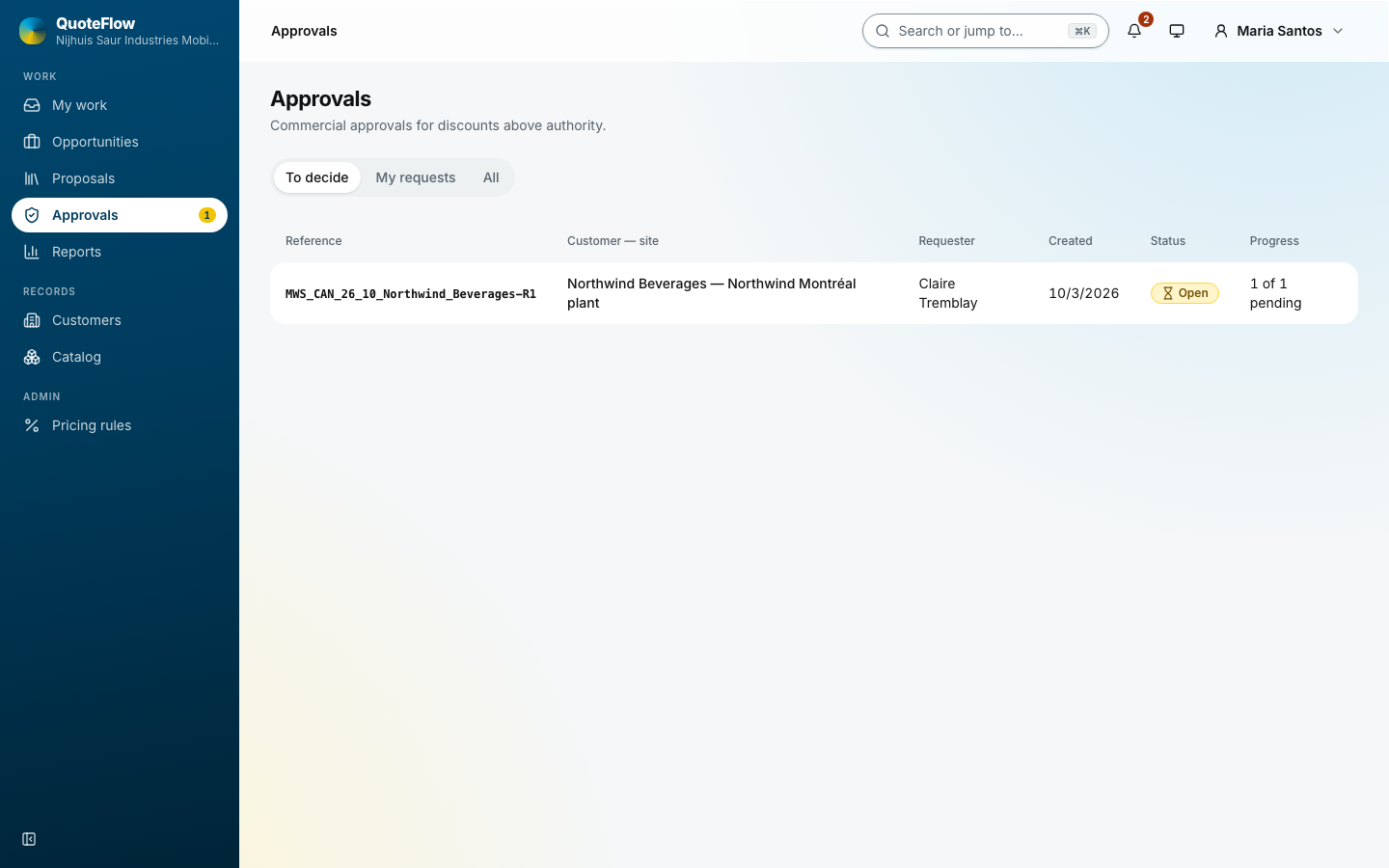
One request
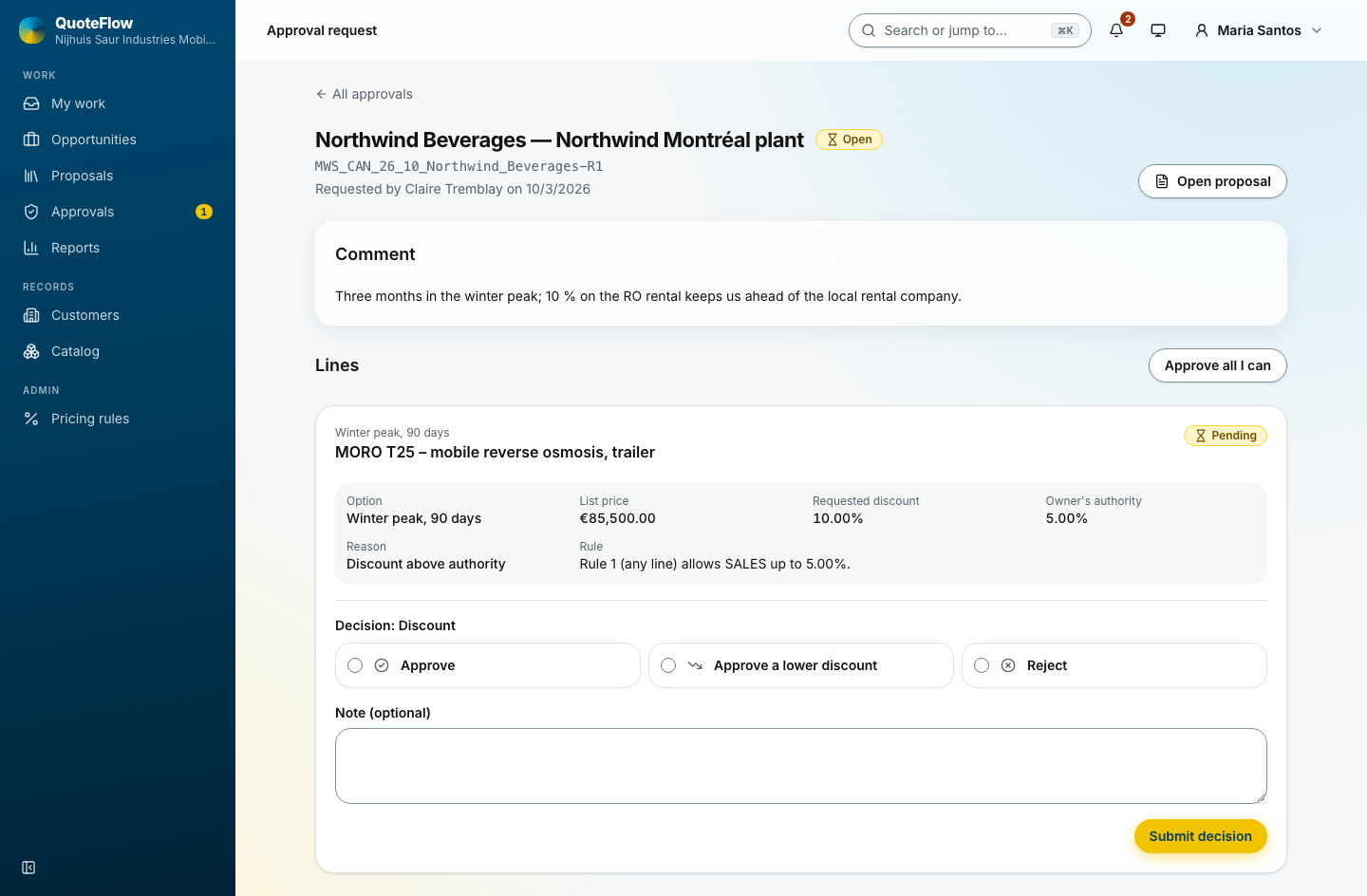
The proposal, the requester’s comment, and each line with its list price, the requested discount, the owner’s own authority and the rule that applies. Decide each line:
-
Approve: the line keeps the requested discount.
-
Approve a lower discount: the line takes the figure you enter.
-
Reject: the line goes back to the owner’s authority.
Approve all I can decides every line within your own authority at once. A note is optional and travels to the requester. Show preview in the header shows the proposal document itself under the header, so the decision is taken with the document in view.
The requester is told, the proposal unlocks, and the decision stays on the proposal’s Approval step. Reports keeps the figures per approver and outcome.