The super admin’s guide
You run the instance: the first setup, the users and their roles, the settings, the audit log and the system’s health. The super admin role holds no commercial rights; give yourself other roles if you also sell or price.
The first setup
A new instance opens on the setup wizard: the company, the regions and countries, your own account. See Getting started.
Users and roles
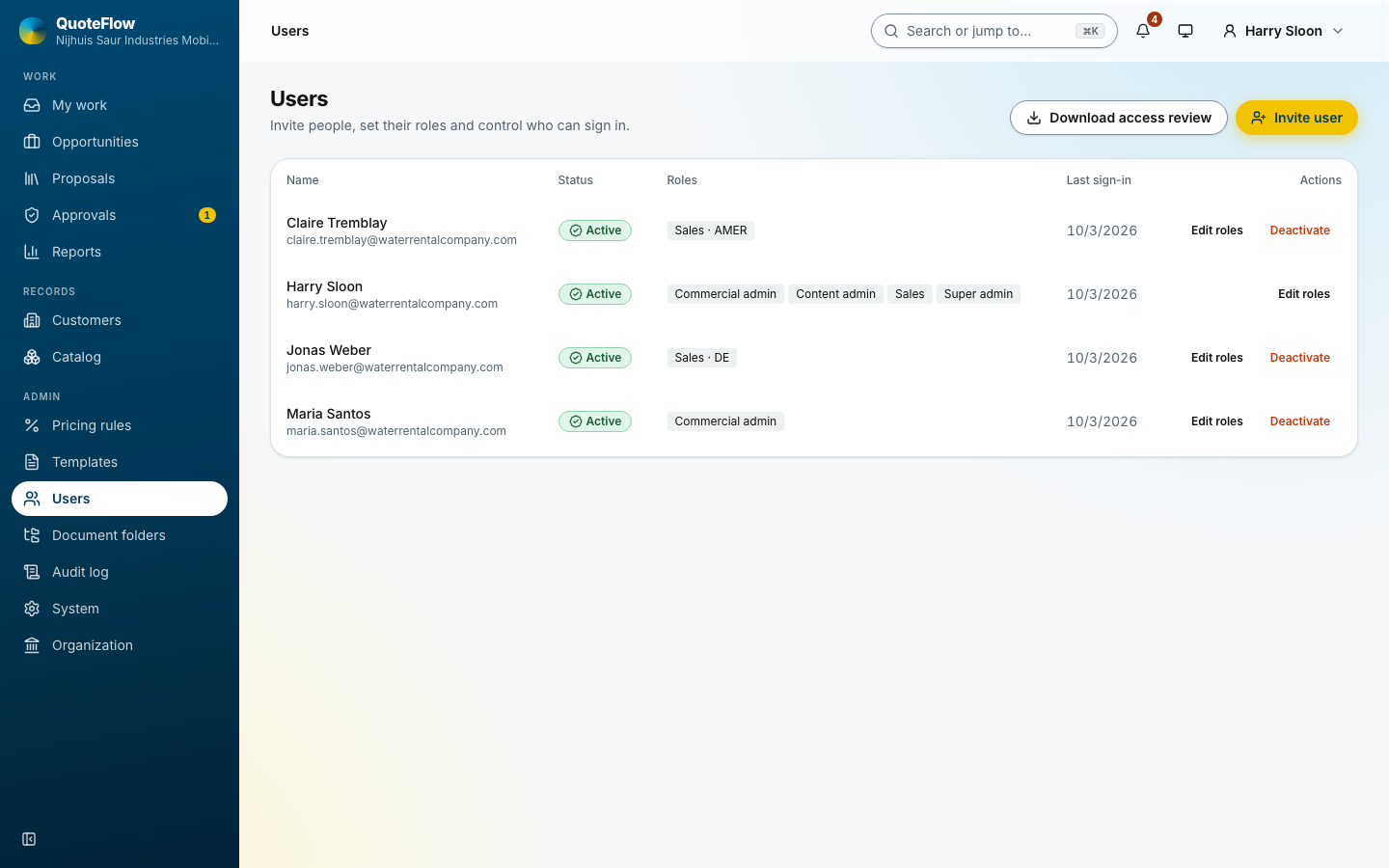
Users lists everyone with their roles and status (invited, active, deactivated).
-
Invite user: name, email, and one or more roles, each for the whole company, a region or a country. The invitation is emailed; the link can also be copied.
-
A row’s actions: Edit roles, New invite link for a lost link, Deactivate (signs them out everywhere at once) and Reactivate. Someone who still owns open opportunities hands them over first.
-
Download access review lists who holds which role where, for a periodic check.
Settings
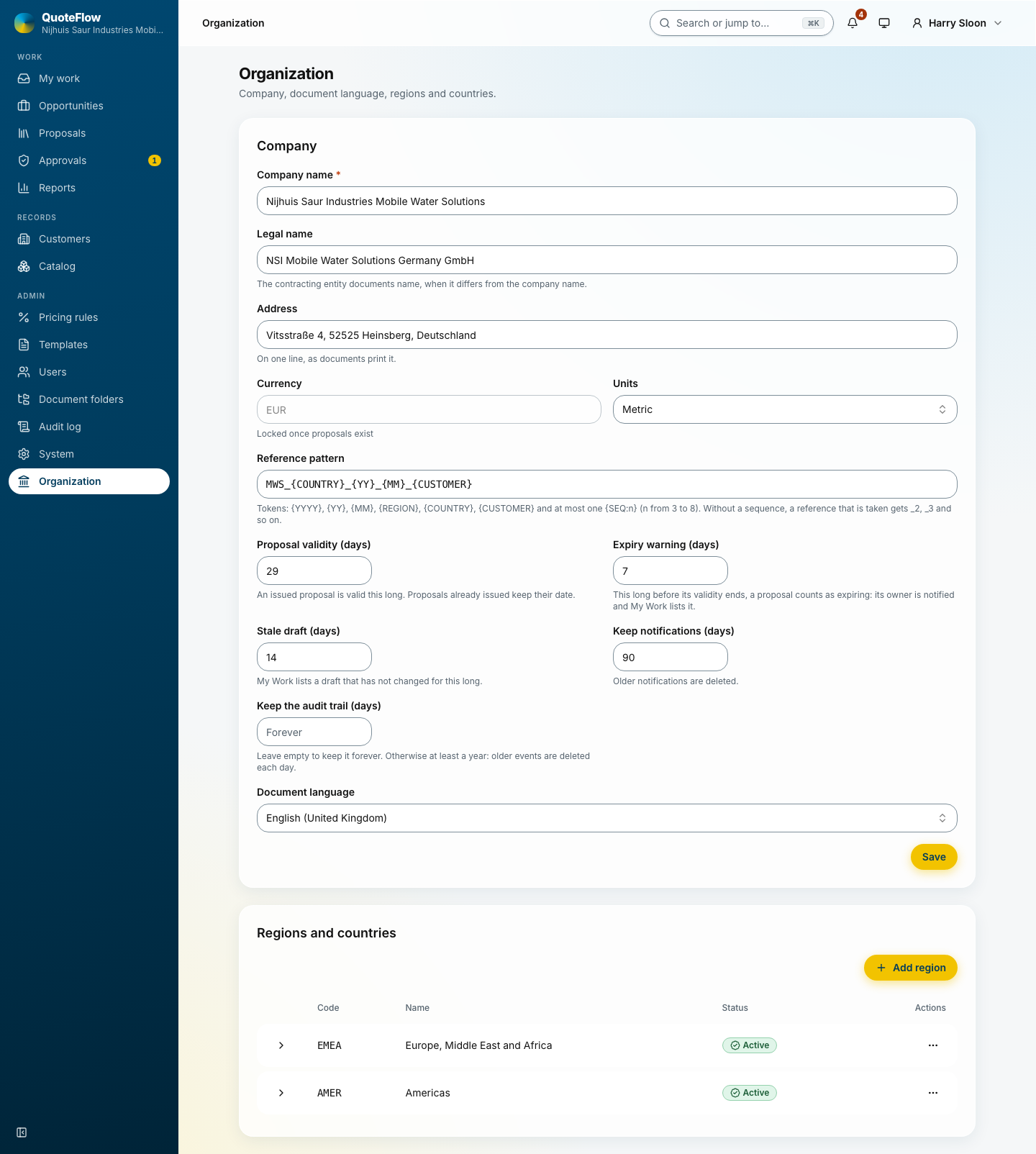
Settings holds every setting in one place, with the sections beside the page:
-
Company: name, legal name and address, printed on the proposals.
-
Regions & countries: the country codes go into the references.
-
Data retention: how long notifications and audit events are kept.
-
Proposals & documents: currency, units, the reference pattern, the validity of a proposal, the warning windows for expiring offers and stale drafts, the document language.
-
Folder structure: the folders every opportunity gets for its files, and the upload rules.
-
Storage & connectors: where documents are kept and which services receive copies.
A change in one section is kept while you move to another; Save stores them all. See Administration.
The audit log
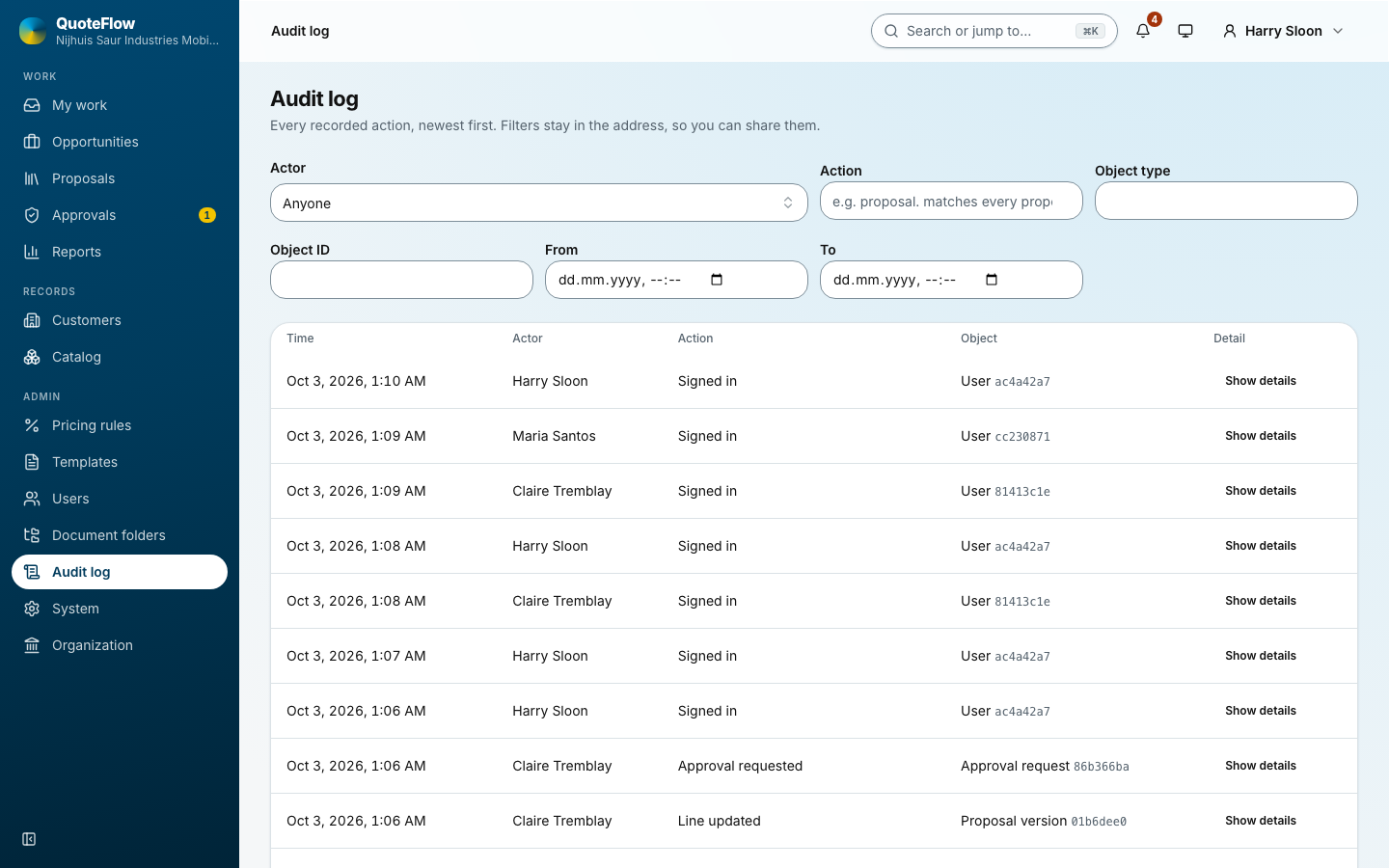
Every change with who, when and what: sign-ins, approvals, issues, reassignments, settings. Filter by action, actor and period; export.
Health and data
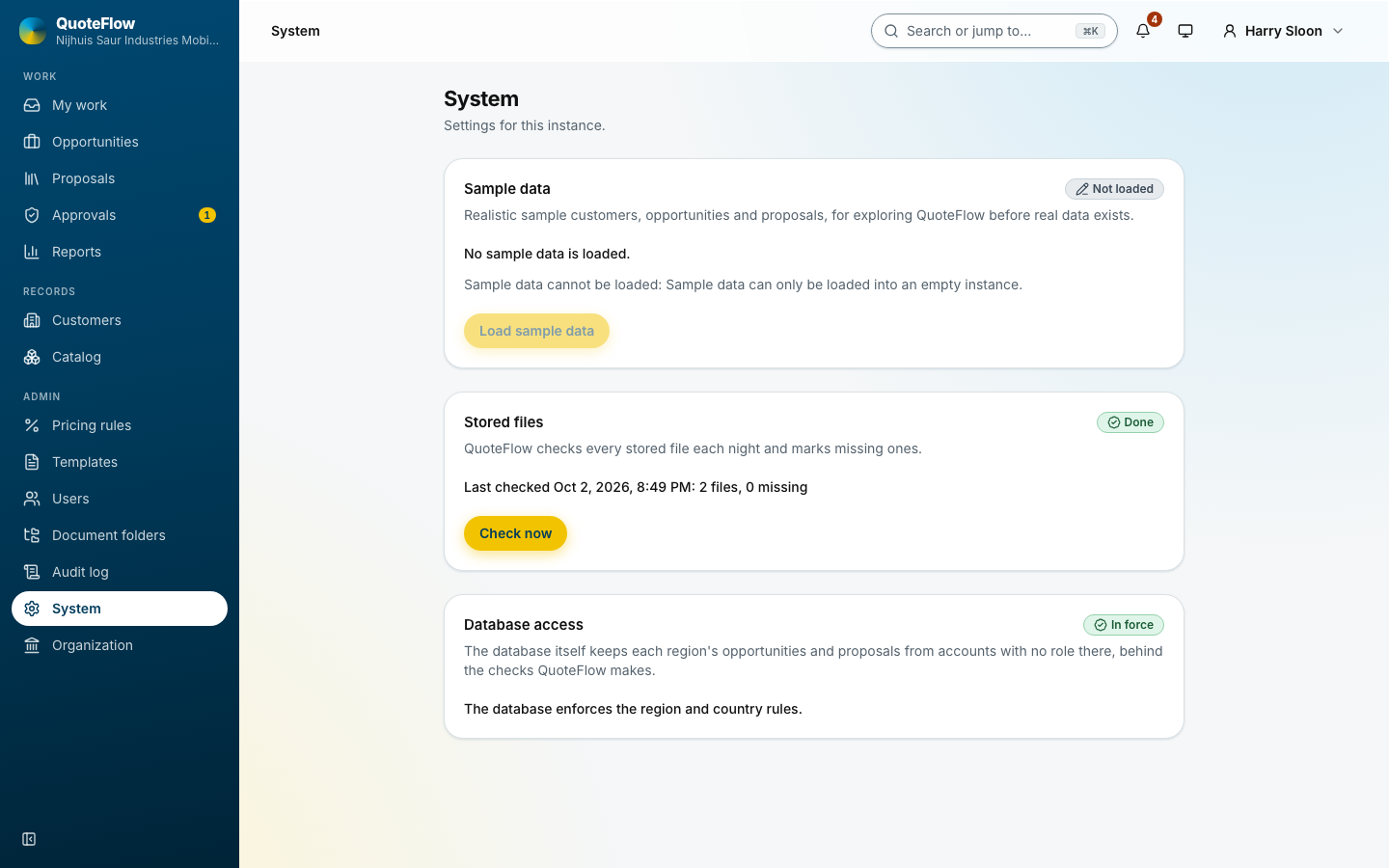
Settings → Health & data: the database, the PDF service and the file store; the nightly check for stored files that went missing; whether the database enforces the region rules ("In force"); and the sample data switch, which loads a fictional company into an empty instance and removes it again.