Opportunities
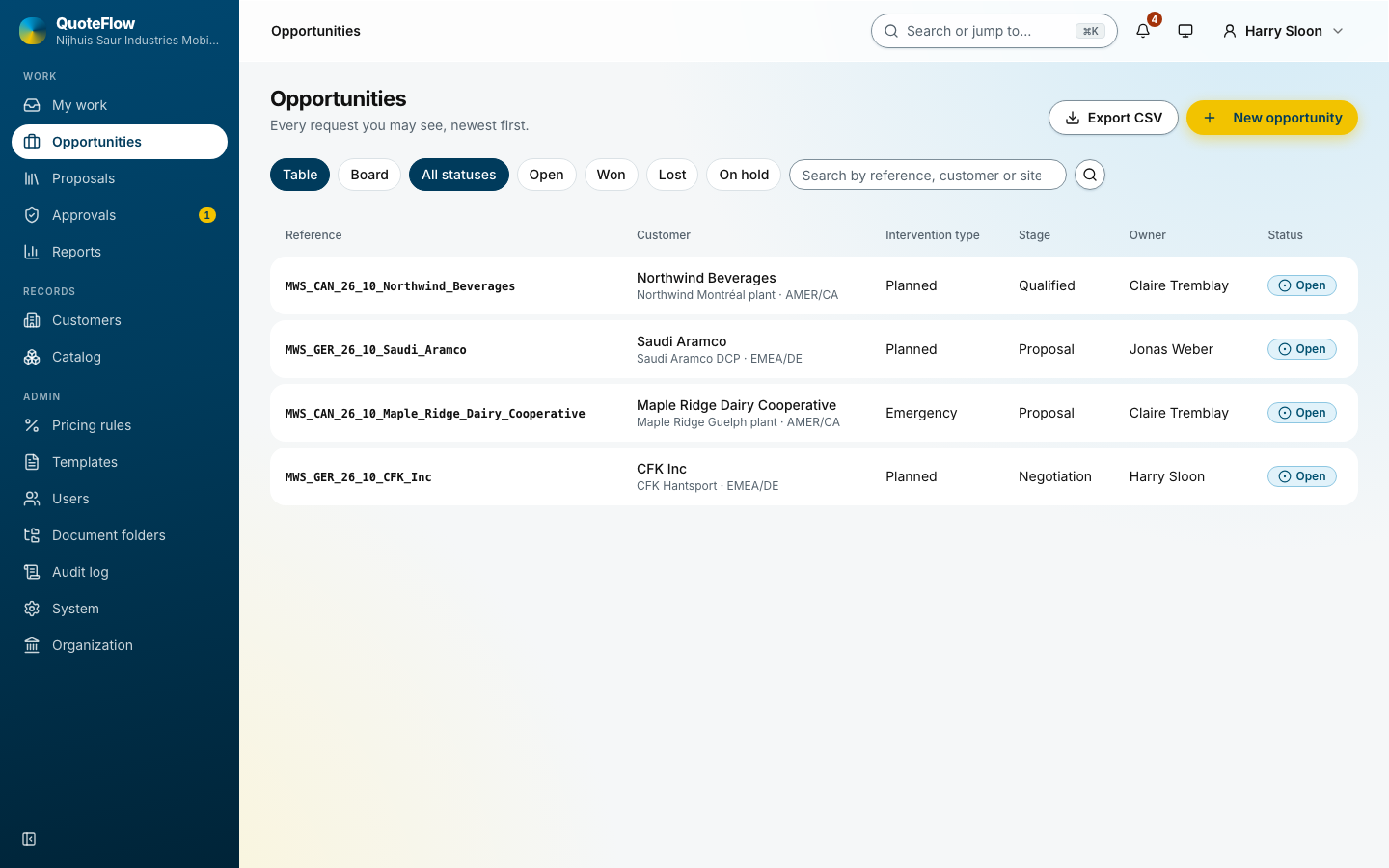
An opportunity is one request from one customer: a site, a location, the intervention type (planned, emergency, multi-year), the water application, the water source, the sales region and country, the expected order date, the rental period (start and end, or "to be determined"), a stage and a probability. The reference is generated from the organisation’s pattern, for example MWS_GER_26_10_CFK_Inc.
A new opportunity
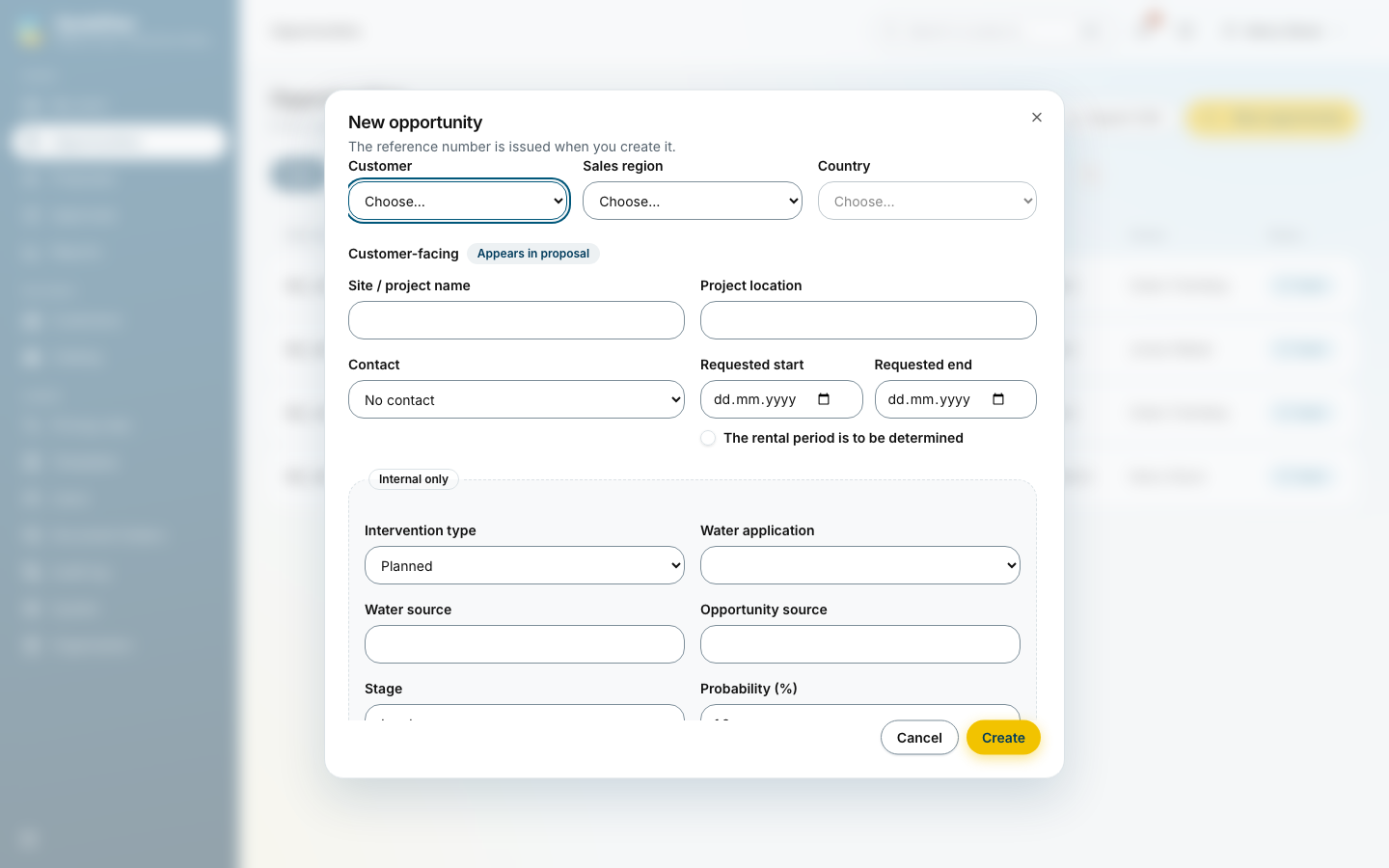
New opportunity asks for the customer and contact, the sales region and country, the site, the requested period, the intervention type, the water application and the expected order date. The reference is given when the opportunity is created.
The board
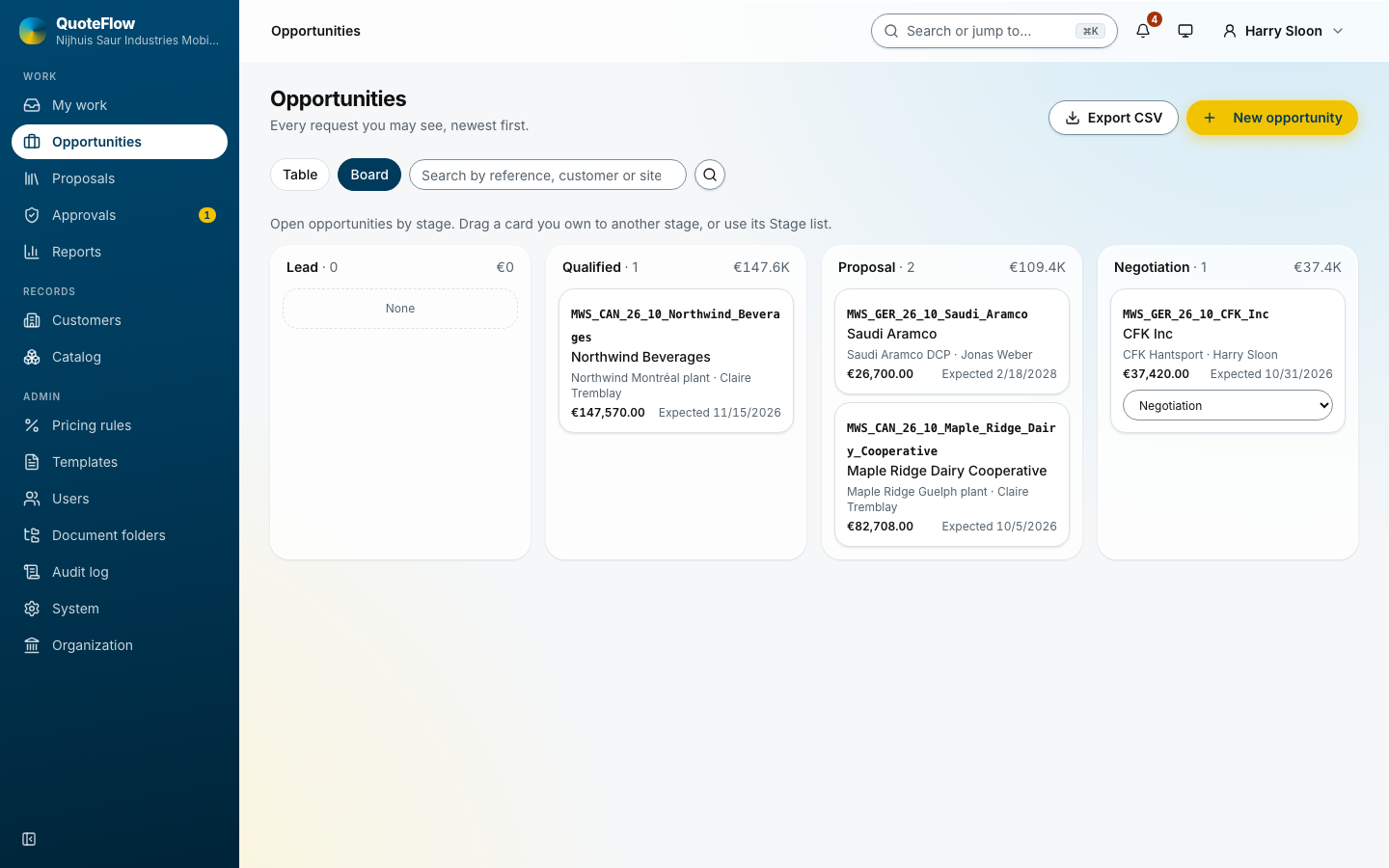
View: Board shows the open opportunities by stage: lead, qualified, proposal, negotiation. Drag a card to the next stage. Each column heads with its count and value.
An opportunity’s page
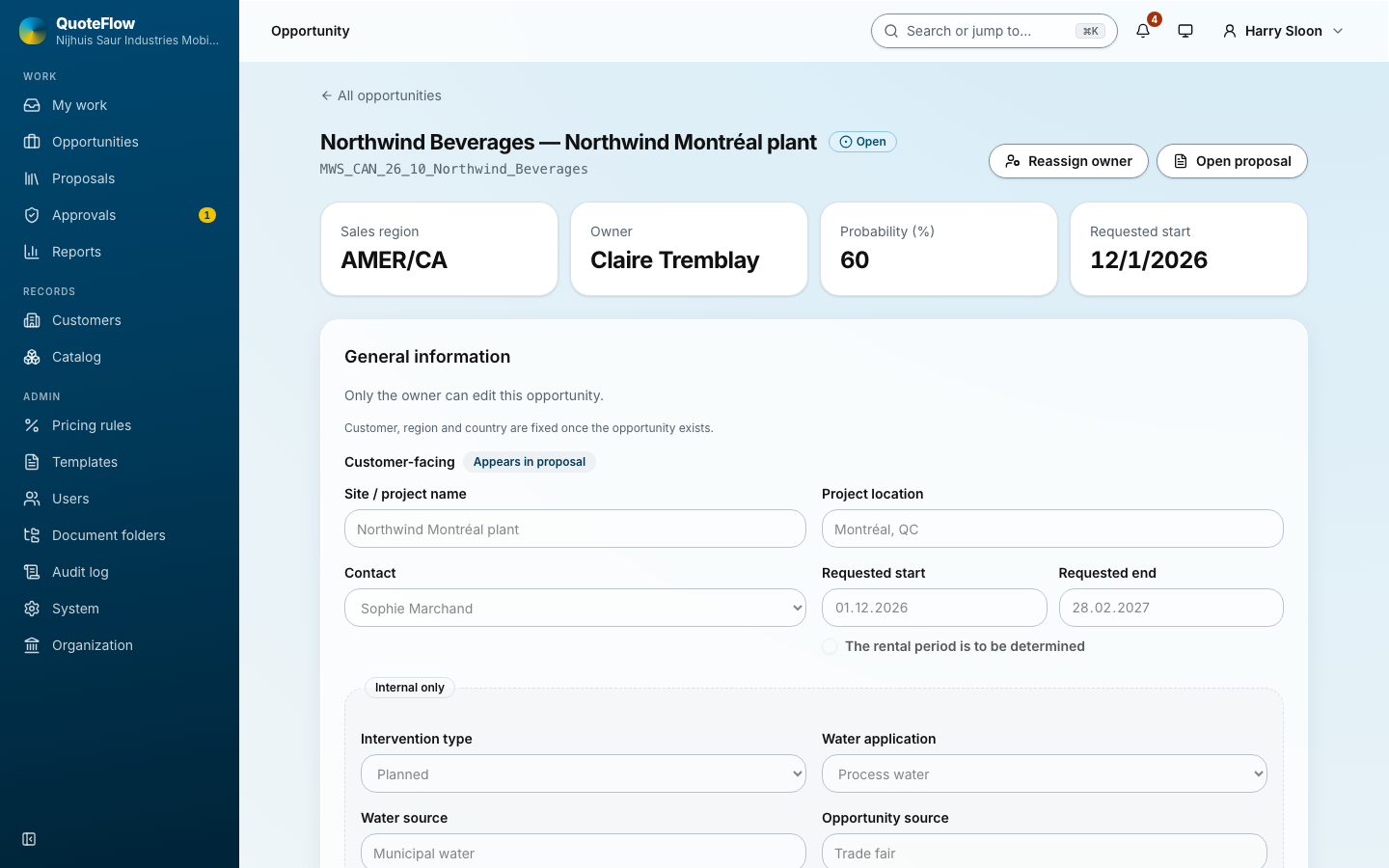
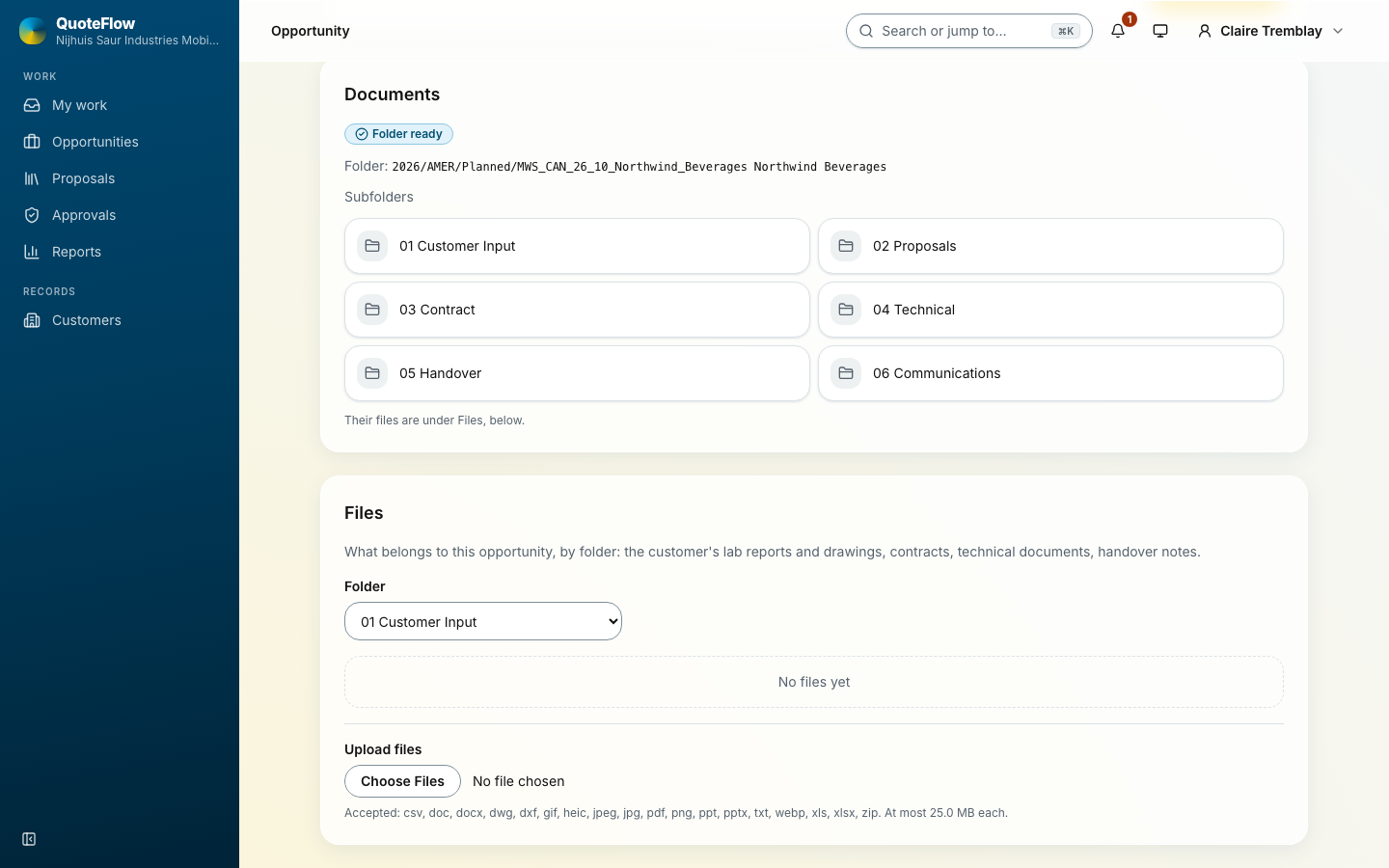
The page holds the general data, the water data and treatment goal, the files, the proposal and the activities.
Closing an opportunity as won or lost happens here. A loss asks for its reason (price, competitor, timing, no budget, no decision, other) and an optional note; the reports count the reasons.